Overview
Welcome to MYLOG, a modern web-based amateur radio logging system designed to help operators record, manage and verify their QSOs from anywhere using a web browser.
Whether you are a newly licensed amateur radio operator or an experienced DX enthusiast, MYLOG provides an easy and organized way to maintain your station logbook without installing any additional software.
Since MYLOG is web-based, your logbook is securely stored online and can be accessed from your desktop computer, laptop, tablet or smartphone after signing in to your account.
Key Features
- Personal online logbook
- Multi-user account system
- Electronic QSL (eQSL) generation
- QSO verification using QR Code
- Import ADIF from other logging software
- Export ADIF at any time
- User profile management
- Email invitation system
Who is MYLOG for?
MYLOG is designed for all licensed amateur radio operators who wish to maintain an organized and accessible logbook.
It supports everyday logging activities, portable operations, special event stations, DX operations and general amateur radio record keeping.
Before You Begin
Before using MYLOG, make sure that:
- Your MYLOG account has been created.
- Your email address has been verified.
- You have successfully signed in.
Once you are logged in, you can immediately begin recording your QSOs and exploring the available features.
FT8CN API Key Integration
We are pleased to introduce a new integration feature in MYLOG: FT8CN API Key support.
FT8CN is a dedicated mobile application used to operate amateur radio contacts in FT8 mode via smartphones and tablets. You can download FT8CN directly from GitHub. Inside its Settings menu, you will find the Cloudlog Setting section. This configuration acts as the communication bridge between FT8CN and MYLOG.
Every registered MYLOG user is automatically provided with an API Key and Station ID. To retrieve your credentials, navigate to your Profile page by clicking the Profile button, then click Regenerate. (Note: Your API Key will change every time you click Regenerate).
Your Profile page provides the 3 essential parameters required for FT8CN Cloudlog Settings:
After entering these 3 credentials in FT8CN, toggle Enable Cloudlog sync from (Off) to (On), then press the TEST button to verify your setup:
Your settings are correct and the integration is ready for action.
Information entered is incorrect or has a typing error. Double-check all symbols/letters and ensure there are no spaces in the API Key.
Live Operations & Logging Test:
When conducting live FT8 QSOs, you can monitor your logs in real-time. Using another smartphone or browser, log into your MYLOG account and open the Logbook or Dashboard page. Upon completing a QSO, FT8CN will write the log locally and immediately transmit it to MYLOG. If the new log doesn't show up right away, simply click the Refresh button.
Happy FT8 DXing and MYLOG! 73!
Need Help?
Every topic in this Help Center explains one feature of MYLOG in detail. If you are unsure where to begin, continue with MYLOG Features, which introduces every major function available in the system.
📡 MYLOG Login
Amateur Radio Logbook
Welcome back.
Please login to continue.
❤️ Support MYLOG Development
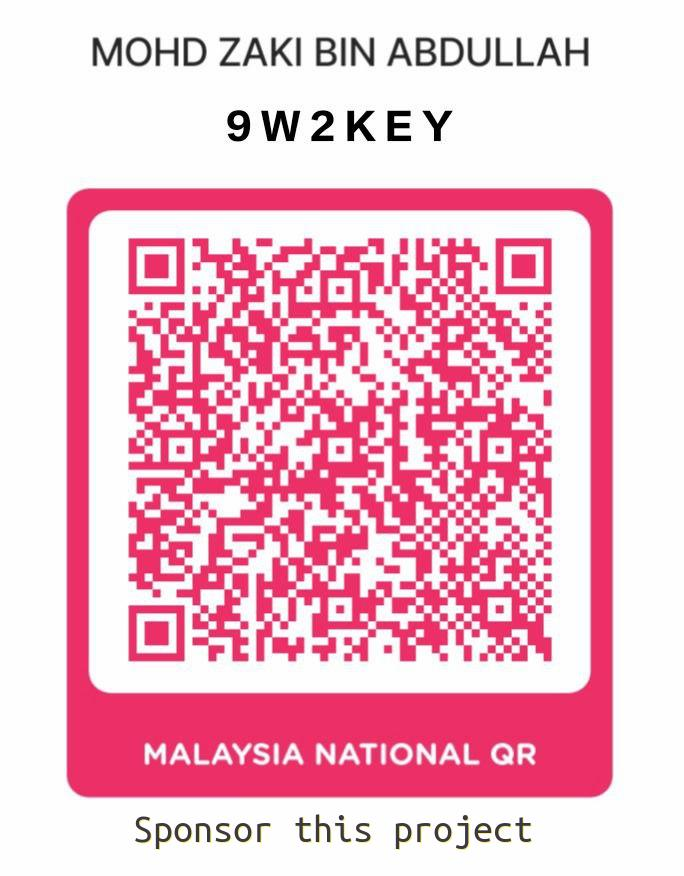
If MYLOG has been useful to you, you may support future development by scanning this QR code.
or
via PayPal
https://www.paypal.me/9W2KEY
Thank you for your support.
de 9W2KEY
73!